
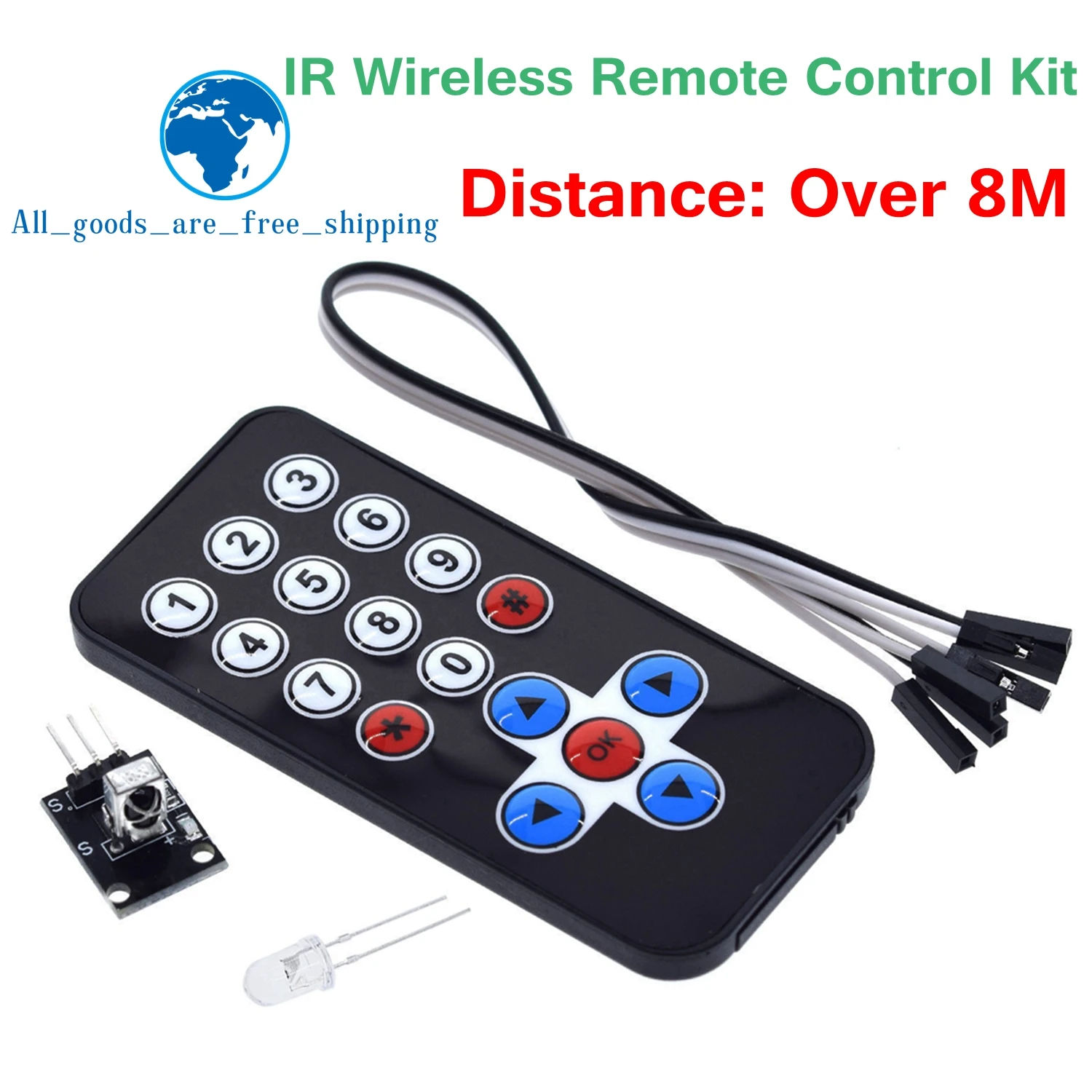
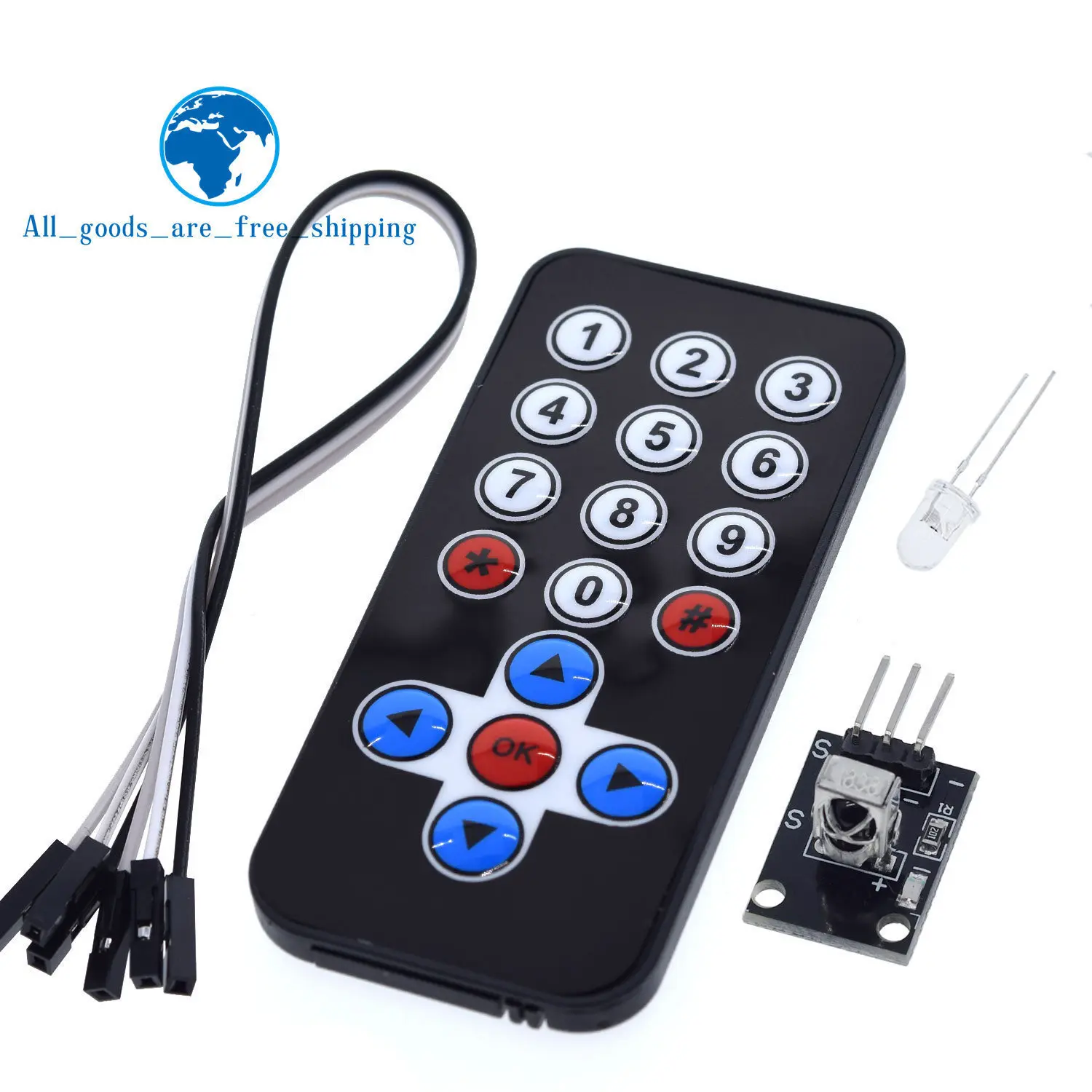
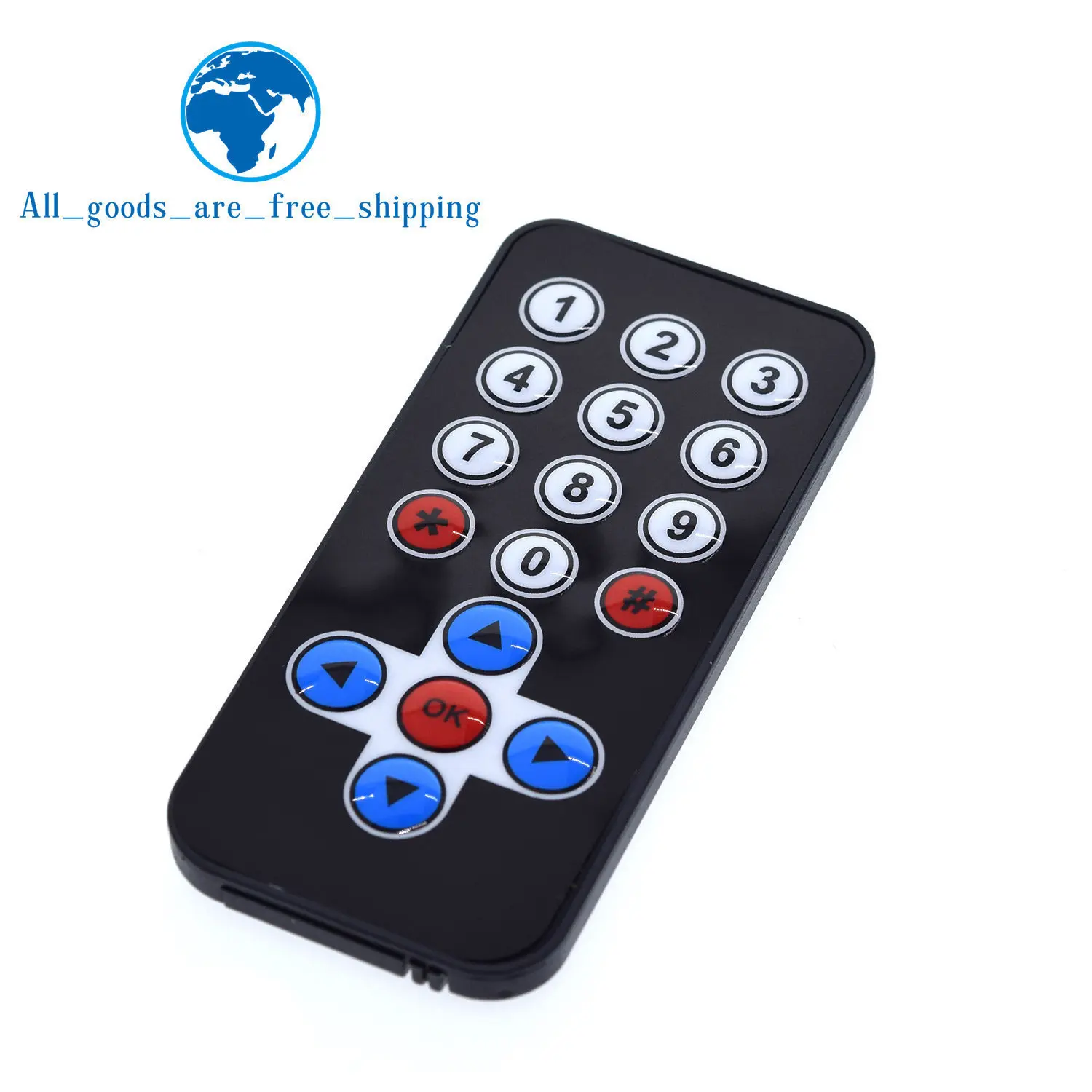
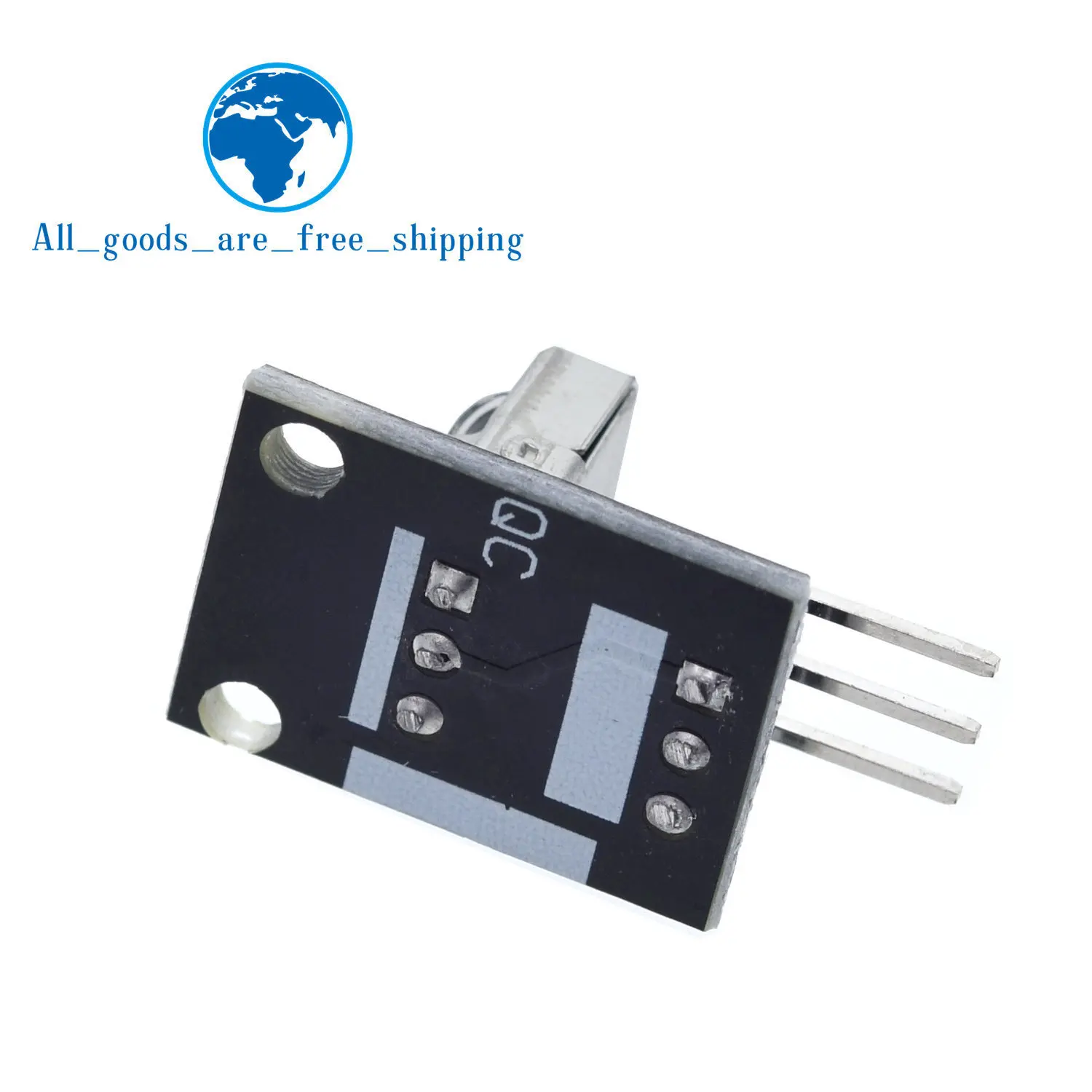
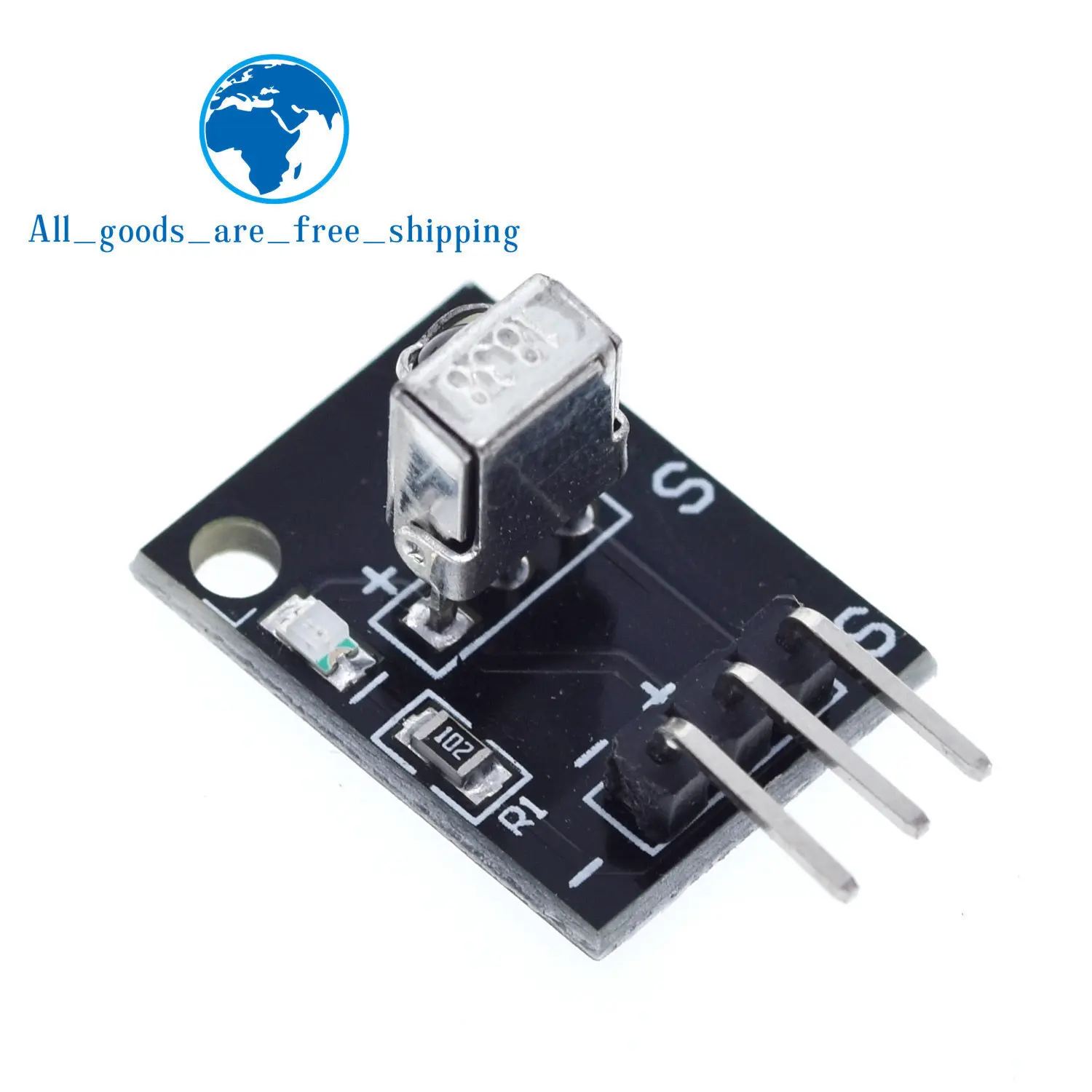
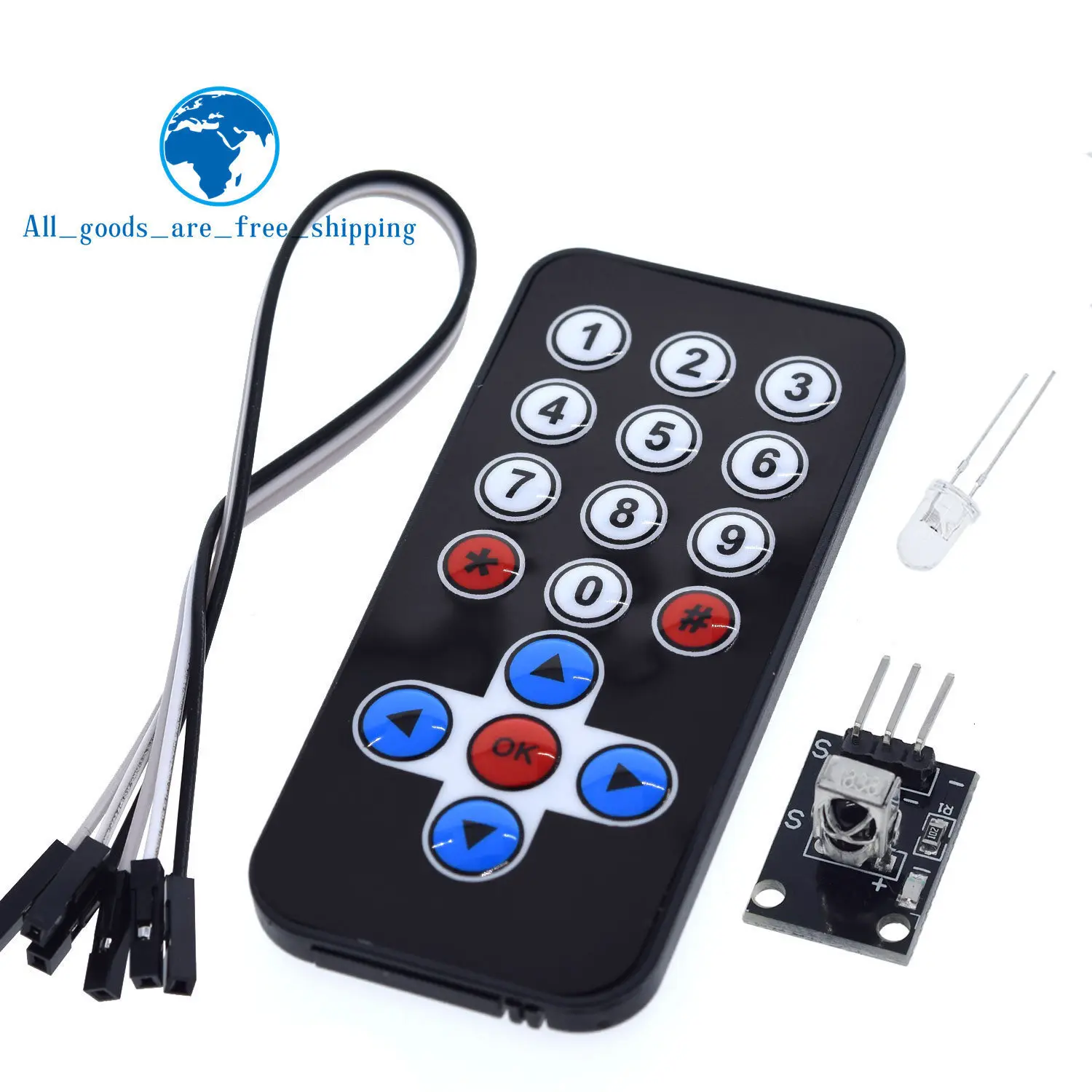
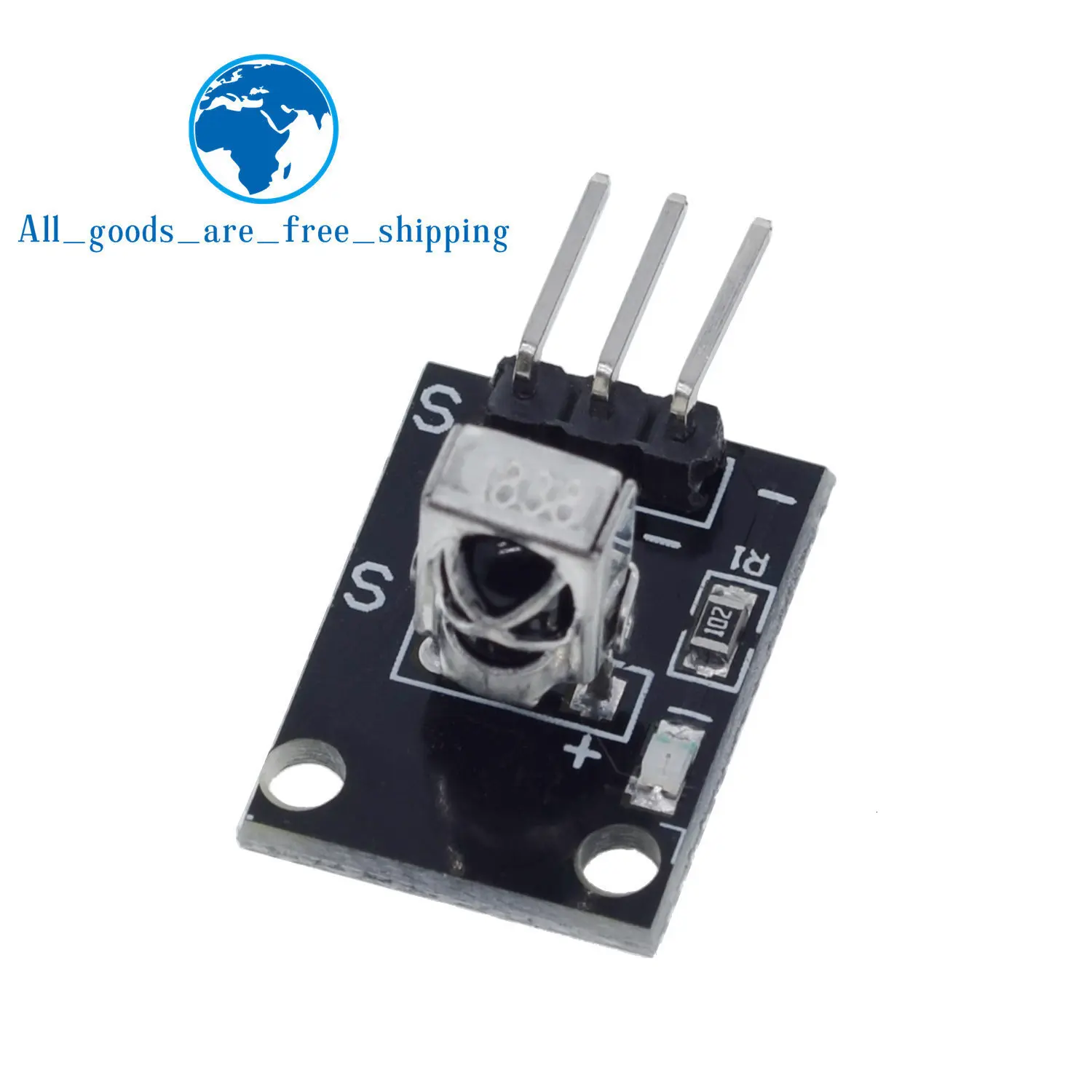
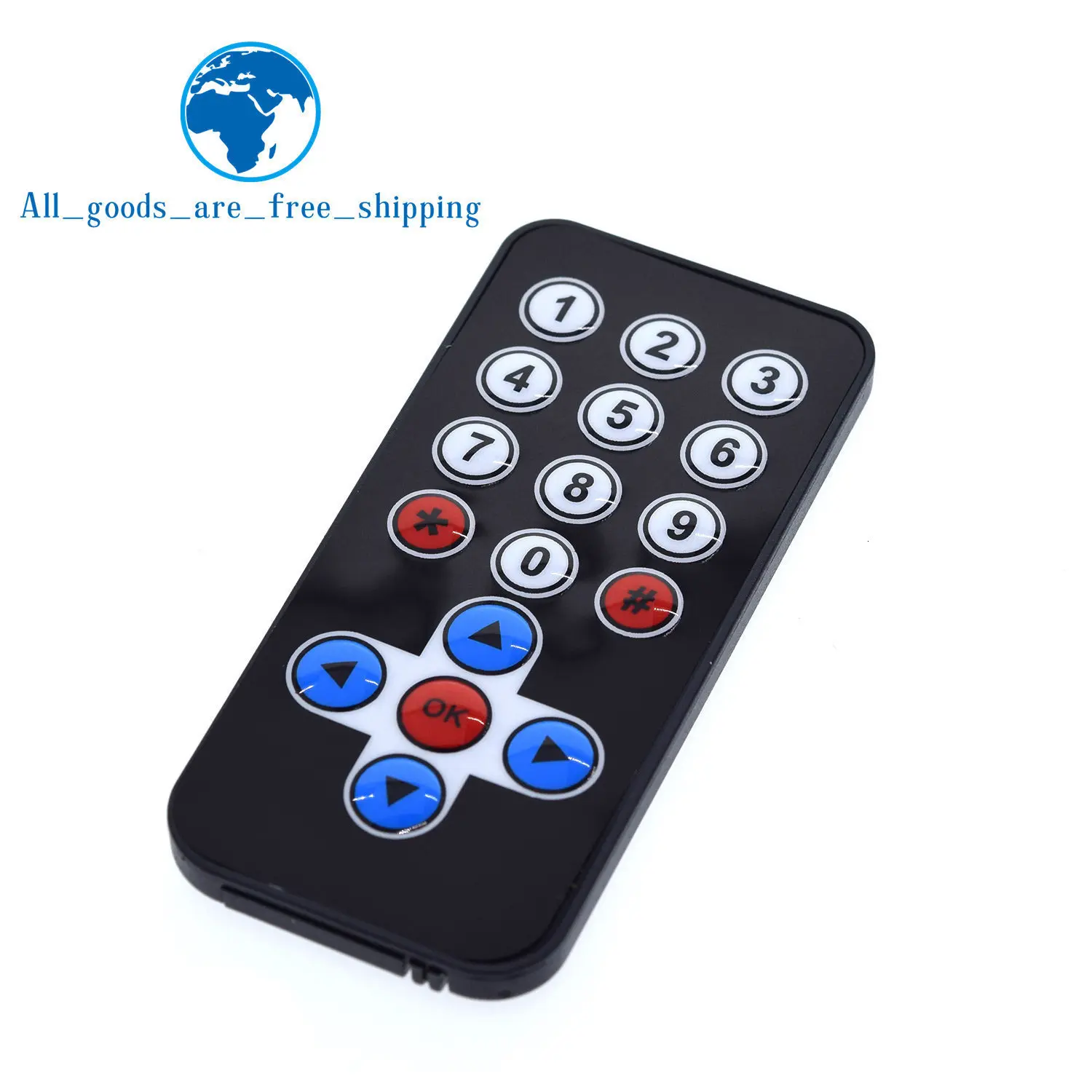
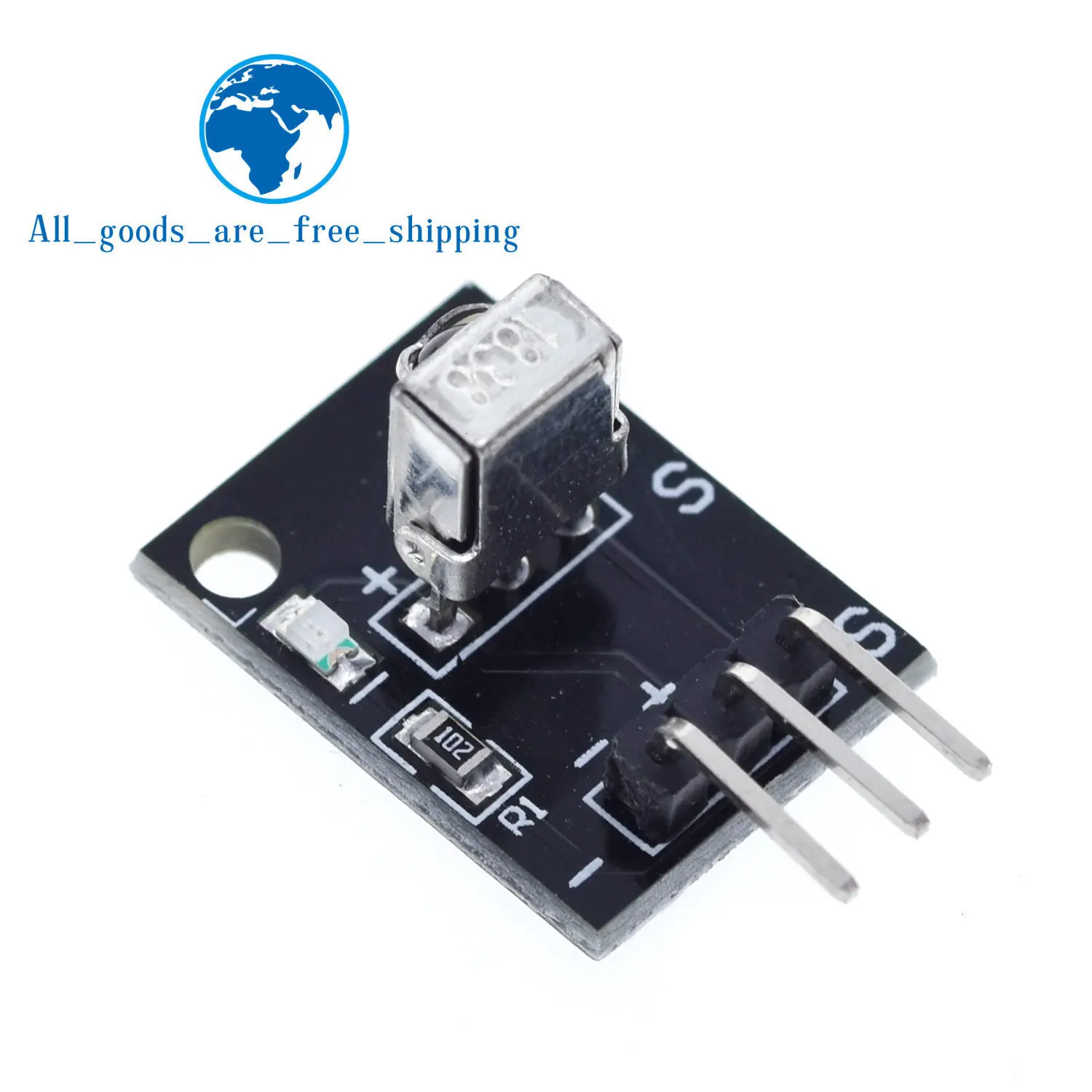
TZT 1/3PCS Infrared IR Wireless Remote Control Module Kits DIY Kit HX1838 For Arduino Raspberry Pi
Preisspanne: 3,00 € bis 8,00 € inkl. MwSt., kostenloser Versand
SPECIFICATIONS
Application: Computer
Brand Name: TZT
Condition: New
Dissipation Power: ..
Functions: Electronic Module
High-concerned chemical: None
Operating Temperature: -40-+85
Origin: Mainland China
Package: DIY KIT
Range of application: Switch And Sensor For Arduino STM
Supply Voltage: ..
Type: Voltage Regulator
is_customized: Yes
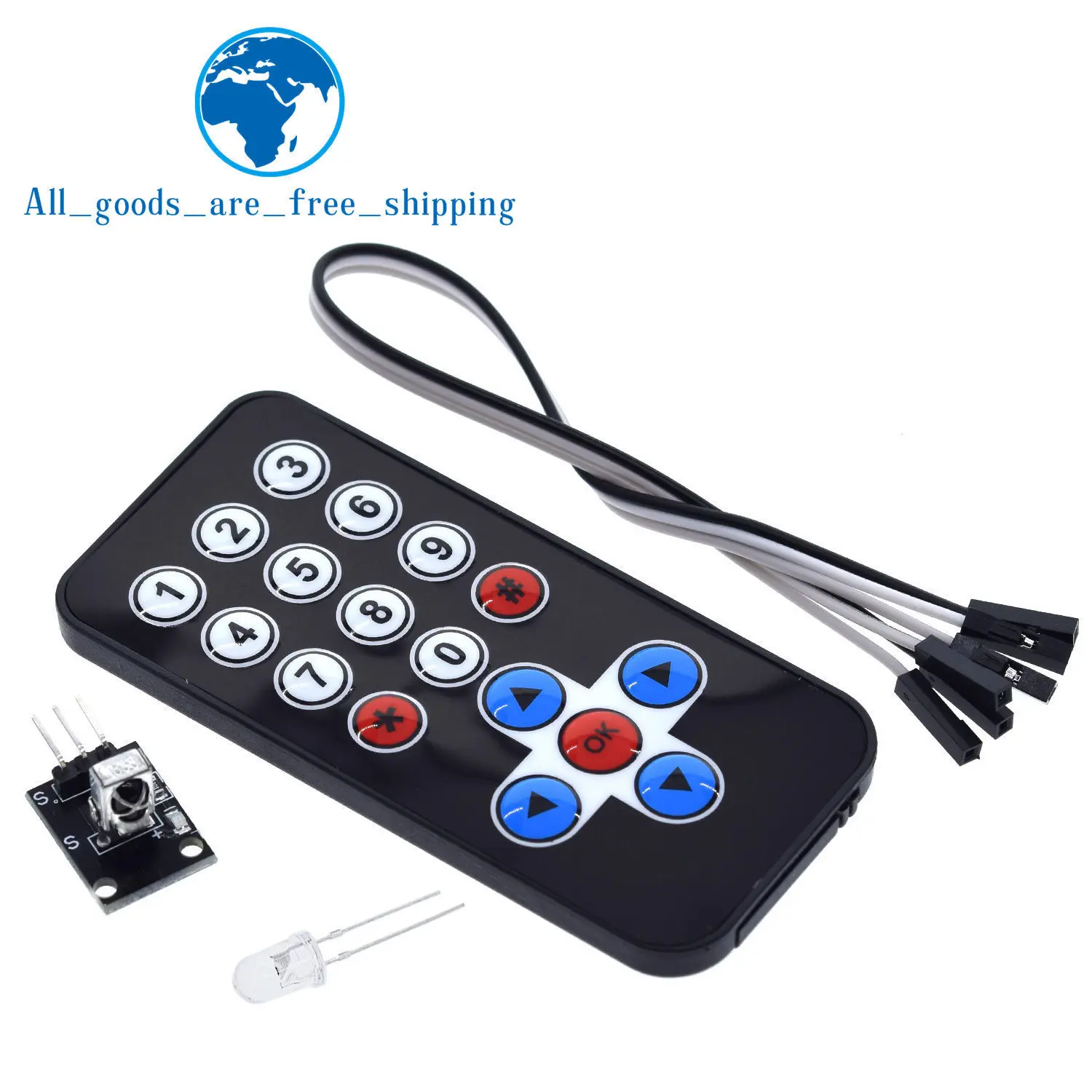
Ultra-Thin Design: The ultra-thin infrared remote control offers a sleek look and easy integration into your setup.,Robust Durability: The PET sticking material ensures a lifespan of 20,000 times, promising long-term reliability.,High Transmission Distance: Achieve long-range control with a transmission distance of over 8 meters, perfect for various devices in the control room.,Versatile Application: Ideal for creating interactive works or remote control robots, offering endless DIY possibilities.,Customizable Functionality: Through programming, customize the IR receiver module to decode signals and control various devices.
Hot Selling New Infrared IR Wireless Remote Control Module Kits For Arduino Wholesale
The remote control does not include batteries
Features:
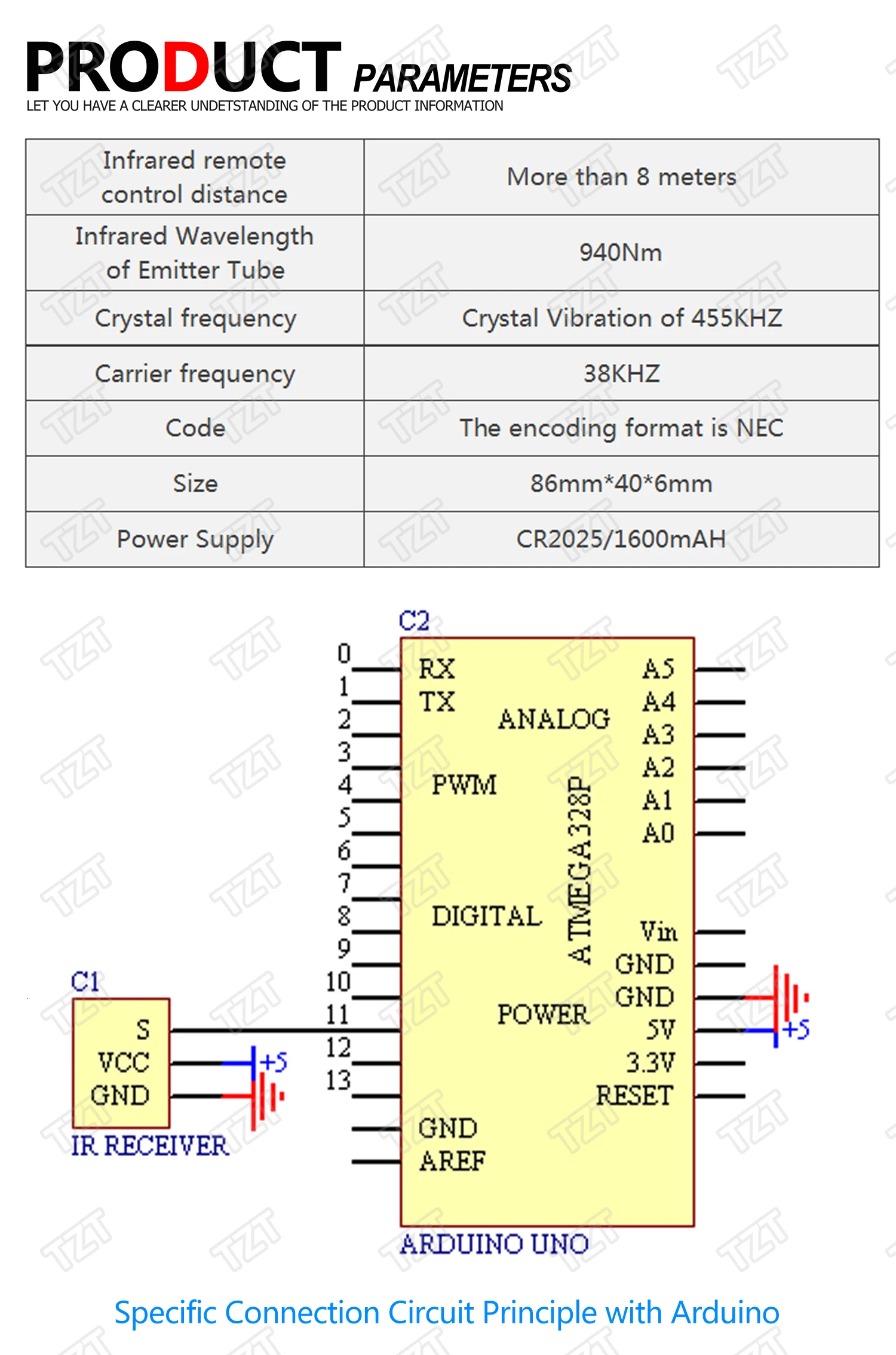
- 1 Transmission Distance: 8m above (specific and surroundings, the receiver sensitivity and other factors)
- 2 Effective angle: 60 degrees
- 3 Sticking Material: 0.125mmPET, the effective life of 20,000 times.
- 4. Stable quality, cost-effective
- 5 quiescent current 3-5uA, dynamic current 3-5mA.
#include <IRremote.h>
int RECV_PIN = 11;
IRrecv irrecv(RECV_PIN);
decode_results results;
void setup()
{
Serial.begin(9600);
irrecv.enableIRIn(); // Start the receiver
}
void loop() {
if (irrecv.decode(&results)) {
Serial.println(results.value, HEX);
irrecv.resume(); // Receive the next value
}
}
Step 1: Assemble Circuit:

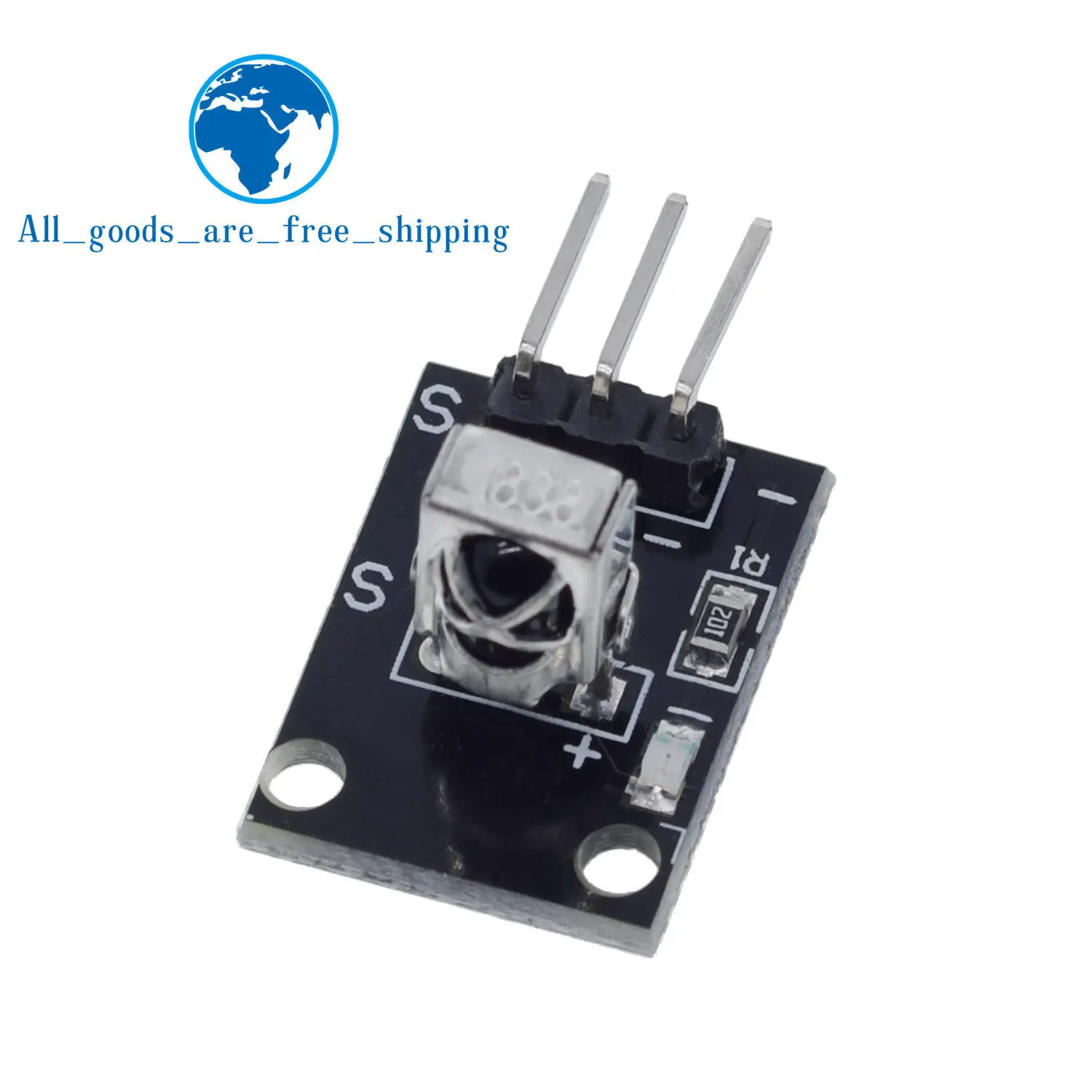
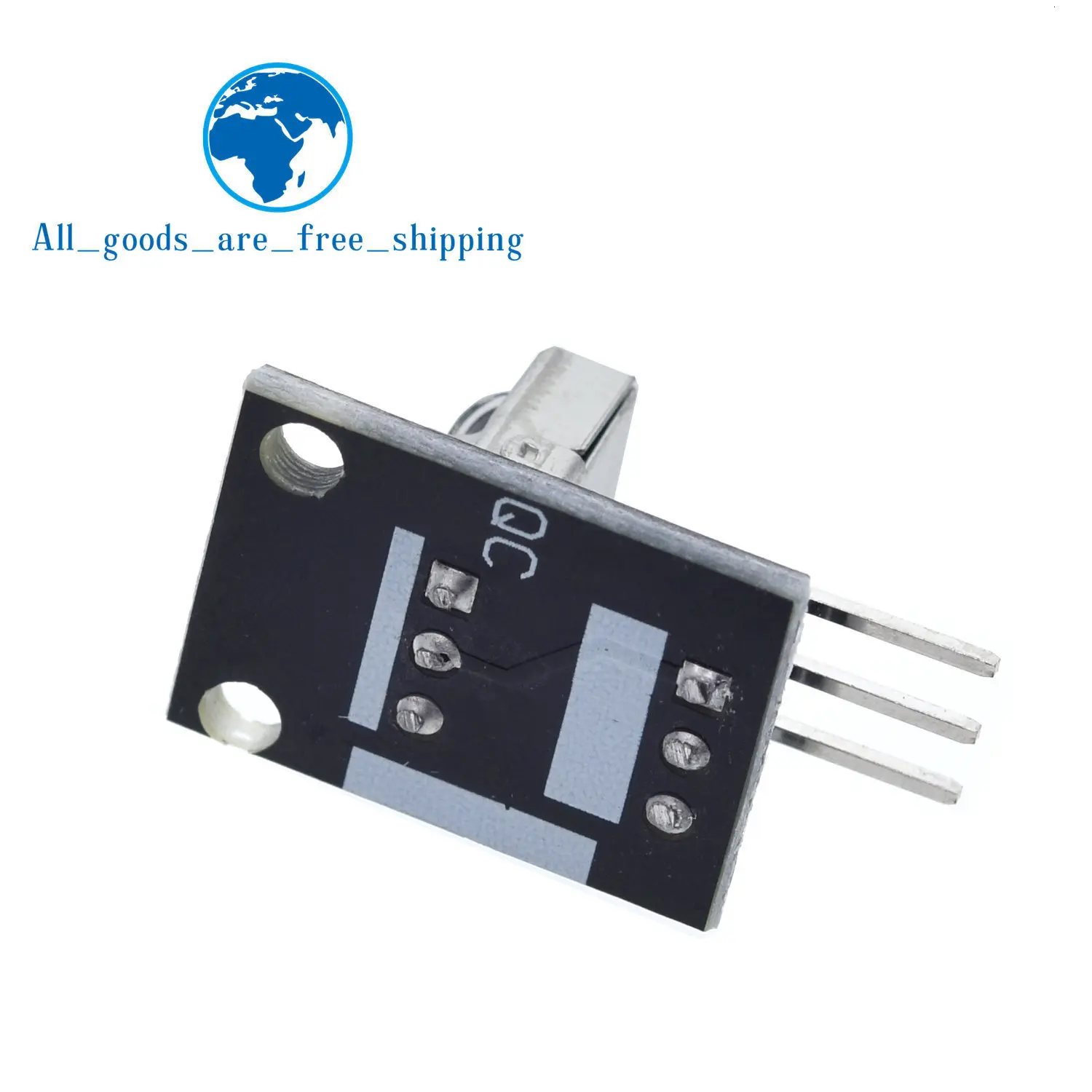
ou will need one Arduino for this. I used a UNO, but just about any Arduino should work. First wire up the infrared receiver that came with your kit. There are 3 wires, PWR, GND, and SIG, I used port 11 for SIG. Note! some readers have reported that their sensor has different wiring, double check it yourself.
Step 2: Download IR Library
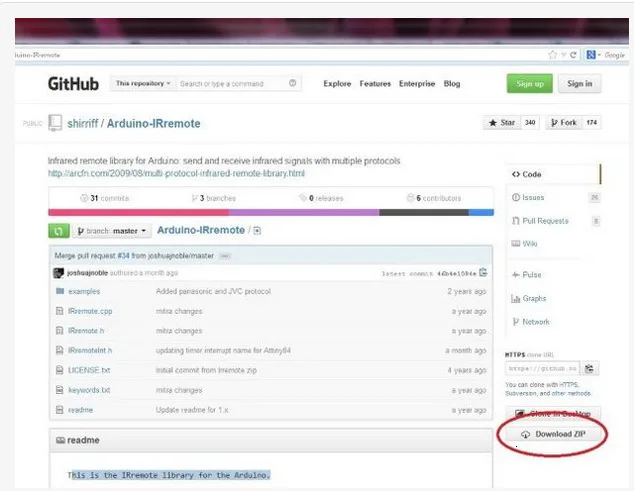
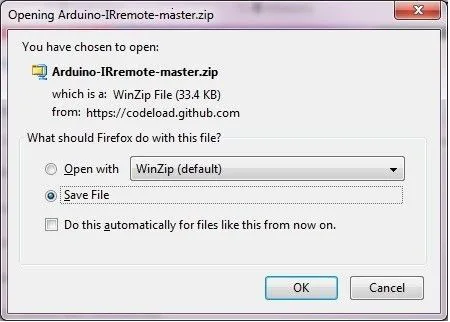
In order to reverse engineer the remote and obtain the codes for each button we are going to need to download and install the following library.
http://github.com/shirriff/Arduino-IRremote
Extract the file in your libraries directory. e.g. ( C:electronicsarduino-1.0.5libraries )
note: I had to rename the library because the name was too long, I just renamed it to IR.
Step 3: Add Library to sketch
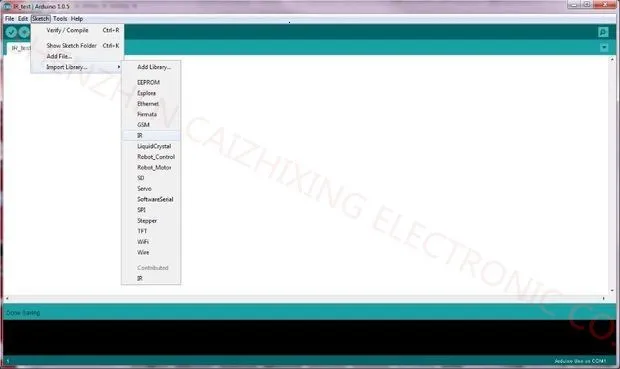
With the IR folder ( or whatever you named it) now in your libraries directory, we can import it into a new sketch.
Start a new sketch and the Click
Sketch->Import Library->IR.
Step 4: Paste Code and compile
Paste the following code into the new sketch. Then verify it compiles.
#include <IRemote.h>
int RECV_PIN = 11;
IRrecv irrecv(RECV_PIN);
decode_results results;
void setup()
{
Serial.begin(9600);
irrecv.enableIRIn(); // Start the receiver
}
void loop()
{
if (irrecv.decode(&results))
{
Serial.println(results.value, HEX);
irrecv.resume(); // Receive the next value
}
}
Step 5: Open the serial monitor
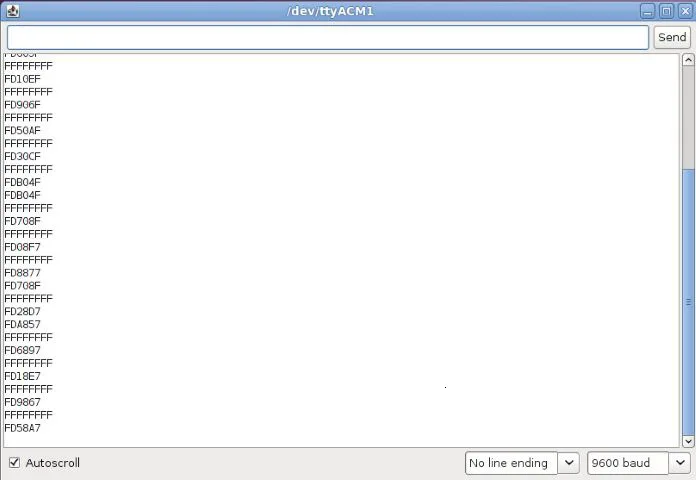
Connect the Arduino to your computer using the usb port, then upload the sketch. Open up the Serial Monitor, get the remote and press the buttons. Some hex codes should appear on the Serial Monitor.
Step 6: Record button codes
Step 7: Works on any remote!
| Color | 1PCS, 3PCS |
|---|---|
| Ships From | China Mainland |
Ähnliche Produkte
-
Complete Starter Kit Programming Learning Kit + 40 Projects for Arduino UNO R3 Starter Kit + Online Tutorial DIY Electronic Kit
59,00 € inkl. MwSt., kostenloser Versand -


Electronics LED Alarm Clock Digital Children’s Electronic Alarm Clock Bedside Table Desk Decorating Tabletop Desktop Clocks Home
Preisspanne: 22,00 € bis 24,00 € inkl. MwSt., kostenloser Versand -


Electrical Grease 100g Electrical Contact Lubricant Grease Electronics Lubricant for Electrical and Automotive Applications
15,00 € inkl. MwSt., kostenloser Versand -


Large Cat Tree Tower with Sisal Scratching Post Wicker Basket Bed Flower Cat Condo Indoor Modern Cat Furniture Cat Accessories
Preisspanne: 152,00 € bis 196,00 € inkl. MwSt., kostenloser Versand -

Electronic DIY Calculator Production Kit LED Digital Tube Display With Shell Single-Chip Microcomputer Soldering Practice
28,00 € inkl. MwSt., kostenloser Versand
Rezensionen
Es gibt noch keine Rezensionen.